
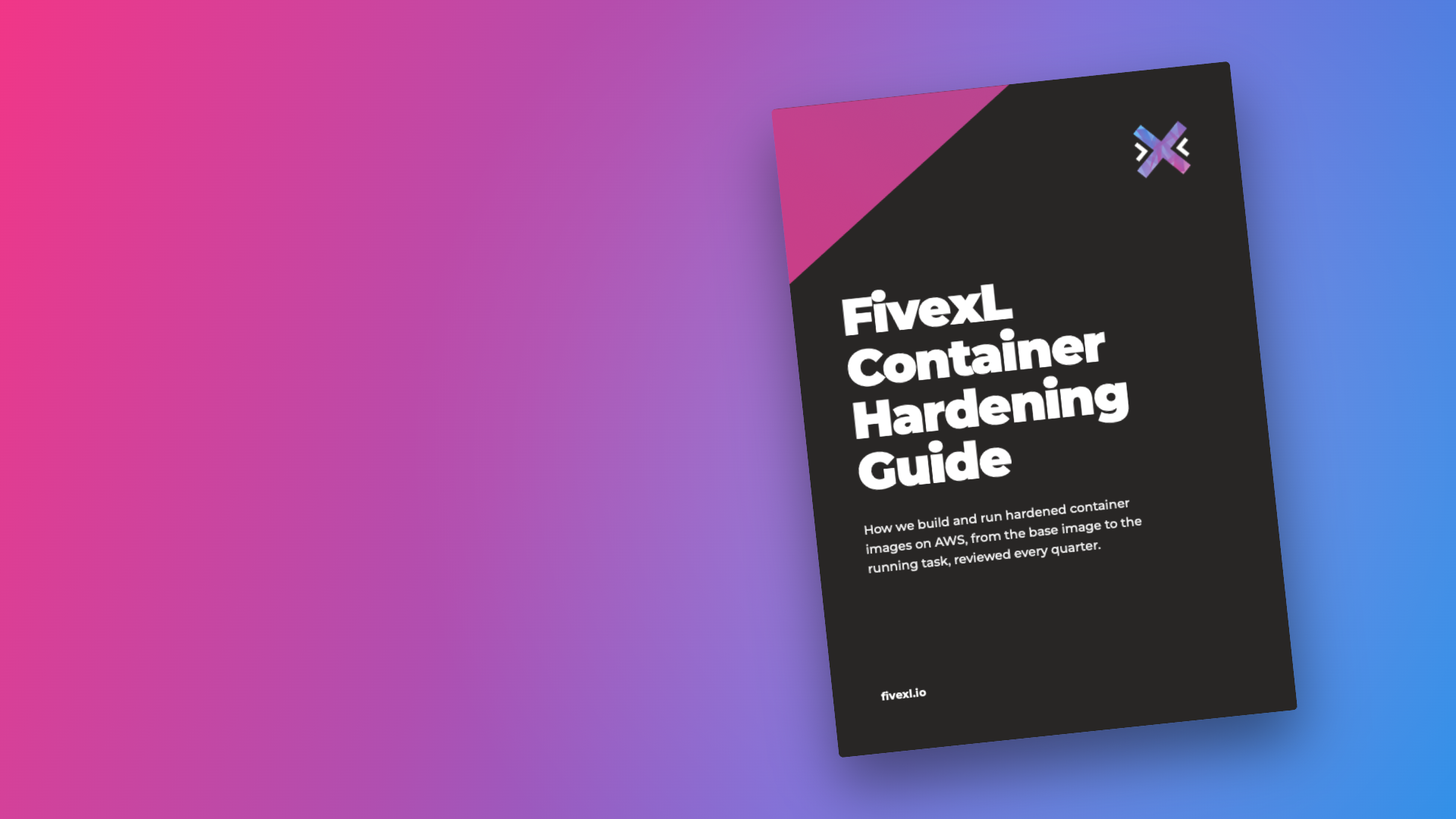
FivexL Container Hardening Guide
- Free guide
- Container Security
How we build and run hardened container images on AWS, from the base image to the running task, reviewed every quarter.
This guide is for engineers who build container images and run them on Amazon ECS or Kubernetes. It is opinionated: each practice says what we do, why, and how, with a snippet you can copy.
Most attacks are a matter of cost. If a break-in leaves an attacker in a container with no shell, no package manager, no download tools, no writable filesystem, no network route out and no useful credentials, every next step costs real work, and most of them move on to an easier target.
- Practices
- 27 Build and Run
- Pages
- 88 ECS and Kubernetes examples
- Updated
- November 2026 Reviewed every quarter
Your download is ready
If it didn't start on its own, use the button below. The link works for 5 minutes.
Download the PDFAudience
Who It's For
- Engineers who build container images
- Teams running containers on Amazon ECS
- Teams running Kubernetes on Amazon EKS
- Platform teams that own CI and base images
What you'll learn
Inside the Guide
Start from a minimal base image
No shell, no package manager and no download tools, and keep the :debug and -dev tags out of production.
Keep build secrets out of the image
Secret and SSH mounts, a .dockerignore, and OIDC instead of static keys in CI.
Scan every image before it merges or ships
Trivy in a job without credentials, and waivers that expire.
Attach an SBOM and provenance, and sign the image
cosign keyless or ECR managed signing, by digest, enforced at deploy time.
Run with a read-only root filesystem
One small noexec tmpfs at /tmp, no capabilities and no privilege escalation.
Give each workload its own identity
A task role or Pod Identity, and IMDSv2 with a hop limit of 1.
Control egress
Deny outbound traffic by default and allow only the destinations a service needs.
Detect what happens at runtime
GuardDuty Runtime Monitoring or Falco, with an alert on any shell.